
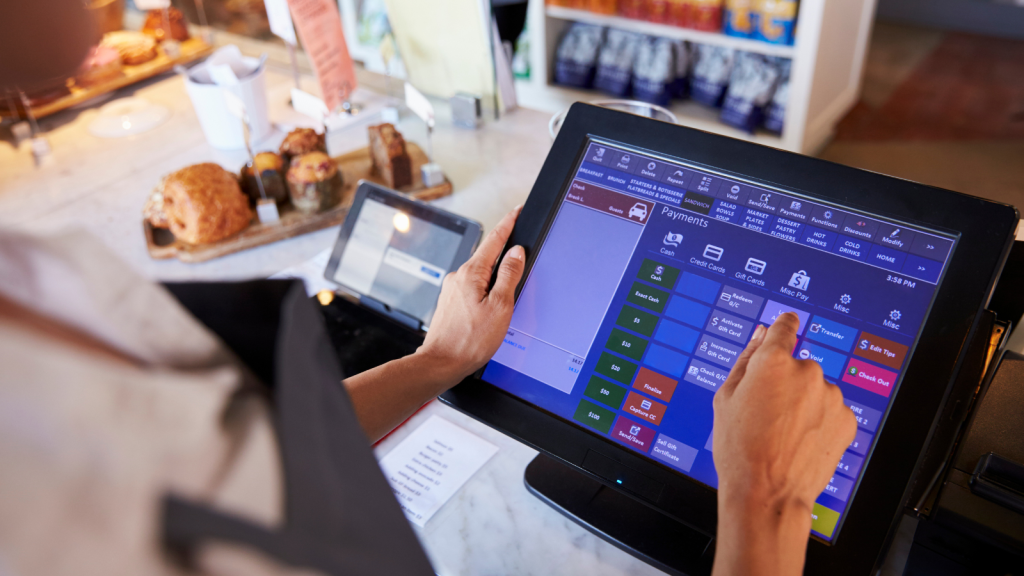
A reliable Electronic Point of Sale (EPOS) system is essential for every successful retail business. Whether you’re processing card payments, updating stock levels or serving customers during peak trading hours, your EPOS terminals rely on fast, secure and stable wireless connectivity.
When that connection becomes unreliable, the impact is immediate. Transactions take longer, queues begin to build, staff productivity falls and customers are left with a poor impression of your business.
While it’s easy to assume the EPOS hardware or software is at fault, the underlying issue is often the wireless network itself. A professionally designed retail Wi-Fi provides the performance, resilience and capacity required to support today’s connected retail environments.
In this article, we explain the most common reasons EPOS systems lose connection, how to identify the root cause and what retailers can do to improve network reliability.
Why stable Wi-Fi matters for EPOS systems
Modern retail stores depend on much more than a single till.
Your wireless network may also support:
🔹 Mobile EPOS terminals
🔹 Card payment machines
🔹 Handheld barcode scanners
🔹 Stock management devices
🔹 Click & Collect systems
🔹 Digital shelf labels
🔹 Staff tablets
🔹 Guest Wi-Fi
🔹 CCTV
🔹 IoT devices
Because all of these systems share the same wireless infrastructure, a problem affecting one device often impacts others across the store.
1. Poor Wi-Fi coverage
Weak wireless coverage remains one of the most common causes of EPOS disconnections.
Dead spots frequently develop around:
🔹 Checkout areas
🔹 Stock rooms
🔹 Fitting rooms
🔹 Garden centres
🔹 Upper floors
🔹 Store entrances
🔹 Temporary promotional displays
Although a device may appear connected, low signal strength can result in increased latency, packet loss and repeated reconnections during payment processing.
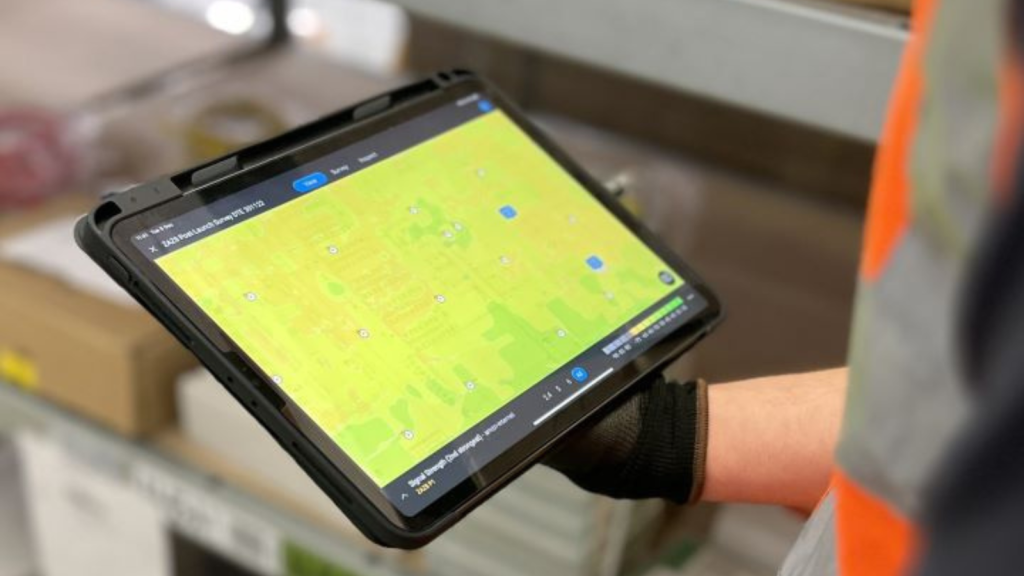
The most effective way to identify these issues is with a professional WiFi survey, which measures signal strength, roaming behaviour and interference throughout your store before problems affect customers.

2. Too many devices sharing the network
Retail stores have become highly connected environments.
Alongside EPOS terminals, the wireless network often supports:
🔹 Staff smartphones
🔹 Payment devices
🔹 Customer Wi-Fi
🔹 CCTV
🔹 Digital signage
🔹 Electronic shelf labels
🔹 Printers
🔹 Handheld scanners
🔹 IoT sensors
Without sufficient capacity, devices compete for airtime, resulting in slower transactions and intermittent connectivity.
Professional Wi-Fi network design considers both wireless coverage and client capacity, ensuring the network continues to perform during busy trading periods.

3. Poor access point placement
Installing additional access points will not automatically improve wireless performance.
Poor placement can actually increase interference and create unreliable roaming between devices.
Common mistakes include:
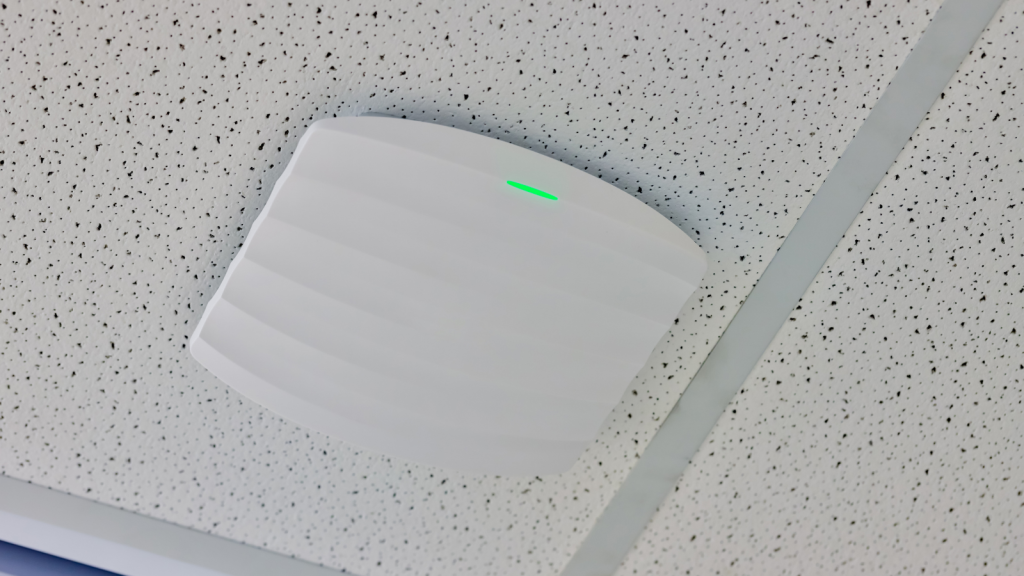
🔹 Mounting access points above suspended ceilings
🔹 Installing equipment behind metal shelving
🔹 Positioning access points too close together
🔹 Ignoring customer movement throughout the store
Professional Wi-Fi installation ensures every access point is positioned according to a carefully planned wireless design rather than simple convenience.
4. Interference from other wireless equipment
Retail environments contain numerous sources of radio frequency interference.
These include:
🔹 Neighbouring businesses
🔹 Bluetooth devices
🔹 Wireless headsets
🔹 Security systems
🔹 Electronic shelf labels
🔹 Consumer Wi-Fi routers
🔹 Microwave ovens
A comprehensive WiFi survey identifies interference sources before recommending channel optimisation and access point adjustments that improve overall network performance.
5. Consumer Wi-Fi equipment isn't designed for retail
Many retailers begin with wireless equipment designed for homes or small offices.
As the business grows and more connected devices are introduced, consumer-grade hardware often struggles to provide the reliability required for payment processing and other critical applications.
Enterprise retail Wi-Fi delivers greater capacity, stronger security and significantly improved resilience under heavy usage.

6. Poor roaming between access points
In larger retail environments, staff frequently move throughout the building while using handheld EPOS devices.
If roaming has not been configured correctly, devices may:
🔹 Hold onto weak signals
🔹 Disconnect during movement
🔹 Lose application sessions
🔹 Experience delays while reconnecting
Professional Wi-Fi network design ensures devices transition seamlessly between access points without interrupting transactions.
7. Store layout has changed
Retail environments constantly evolve.
New shelving, promotional displays, refrigeration units and seasonal merchandising all affect how wireless signals travel throughout the building.
Changes that appear relatively minor can create unexpected coverage gaps and new interference issues.
Following store refurbishments or layout changes, a WiFi survey helps verify that your network continues to deliver the coverage and capacity your business requires.

8. The network has never been properly assessed
Many retailers only investigate wireless performance after problems begin affecting day-to-day operations.
A professional WiFi survey provides a detailed assessment of:
🔹 Coverage
🔹 Capacity
🔹 Interference
🔹 Roaming performance
🔹 Channel utilisation
🔹 Access point placement
Rather than relying on assumptions, retailers receive evidence-based recommendations that improve both performance and long-term reliability.

Preventing future EPOS connectivity problems
Reliable wireless infrastructure isn’t achieved by accident.
High performing retail Wi-Fi requires ongoing planning, optimisation and proactive management.
Best practice includes:
🔹 Conducting regular WiFi surveys
🔹 Investing in enterprise retail Wi-Fi solutions
🔹 Implementing professional Wi-Fi network design
🔹 Ensuring expert Wi-Fi installation
🔹 Monitoring performance through Wi-Fi managed services
🔹 Reviewing wireless performance following store refurbishments
Together these services help retailers reduce downtime, improve transaction speeds and support every connected device across the business.
Speak to a Specialist
Provide your details below, email [email protected] or call +44 (0) 845 658 8810.