
Warehouses have relied on Wi-Fi for years.
Barcode scanners, handheld terminals, tablets and laptops all depend on wireless connectivity to access warehouse management systems, process orders and keep employees connected.
But the introduction of Autonomous Mobile Robots (AMRs) changes what organisations need from their wireless infrastructure.
A warehouse Wi-Fi network that works perfectly well for handheld devices or laptops isn’t automatically ready to support a fleet of continuously moving robots.
AMRs introduce different mobility patterns, roaming requirements and operational dependencies that need to be considered when designing the wireless network.
So, how do the Wi-Fi requirements for AMRs differ from traditional warehouse devices?
The fundamental difference: AMRs are always moving
The biggest difference is mobility.
A warehouse employee using a handheld scanner will typically move around the facility, stop at a location, scan an item and then continue to another area.
A laptop may remain stationary for long periods.
AMRs are different.
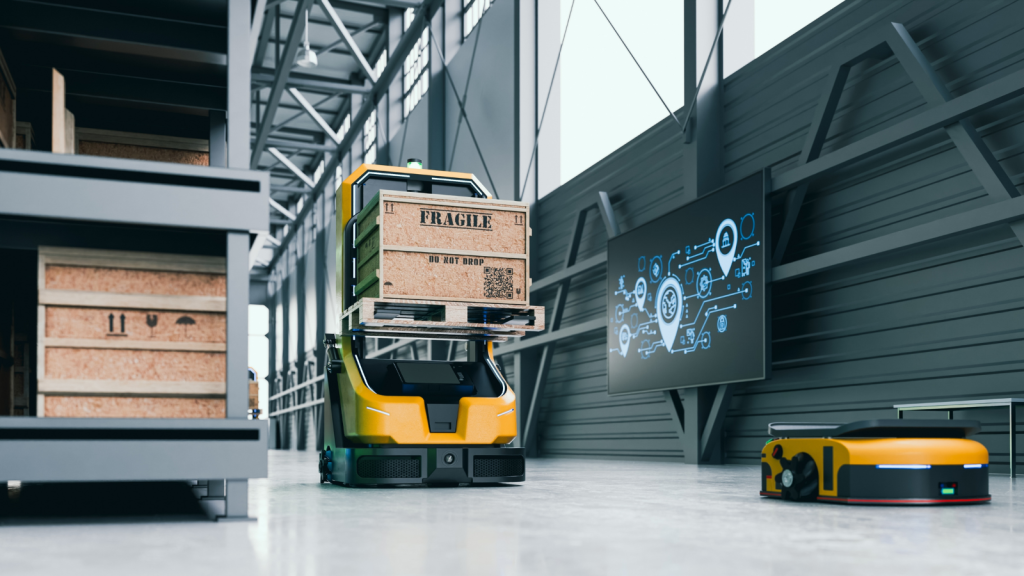
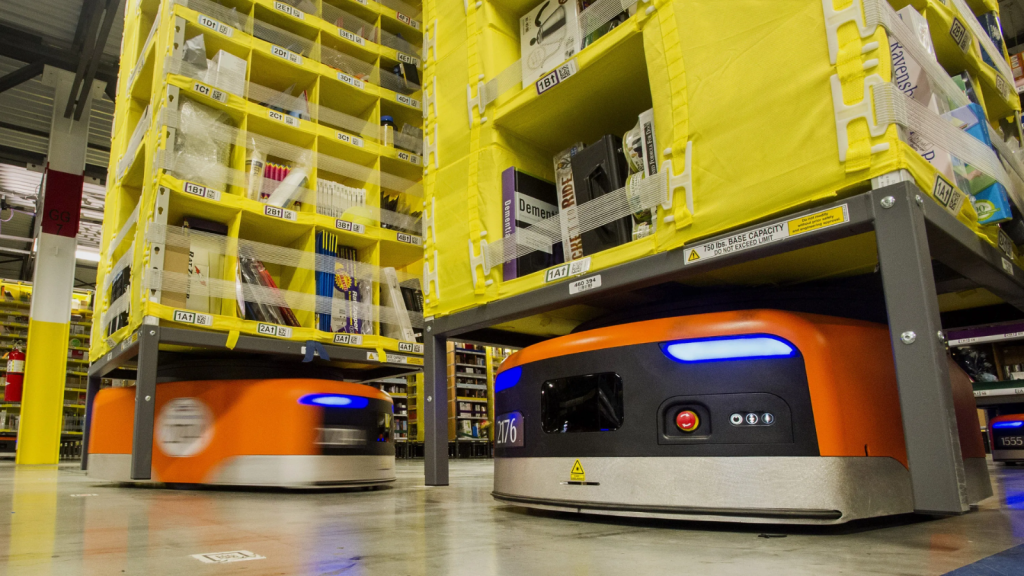
They can travel continuously throughout the facility, moving between access points as they complete tasks and communicate with the systems controlling the wider automation environment.
This makes consistent wireless coverage and reliable roaming particularly important.
An AMR route could take a robot through:
🔹 Narrow warehouse aisles
🔹 High-density racking
🔹 Picking and packing areas
🔹 Production environments
🔹 Loading bays
🔹 Doorways and corridors
🔹 Open warehouse spaces
🔹 Areas containing machinery or other sources of RF interference
The wireless network needs to support the robot throughout that journey.
DTE’s Wi-Fi for Automation solutions focus specifically on designing and optimising wireless infrastructure for AMRs, AGVs and other business-critical automation.
Roaming becomes much more important
One of the biggest considerations when introducing AMRs is roaming.
As a robot travels through a warehouse, it will move between the coverage areas of different wireless access points.
The transition between those APs needs to happen reliably.
With a handheld scanner, a user experiencing a brief connectivity issue may simply wait, move position or reconnect before continuing.
For an AMR, unreliable roaming can potentially affect the automated process it is performing.
The wireless network therefore needs to be designed around the movement of the robots rather than simply providing general coverage throughout the building.
This means considering:
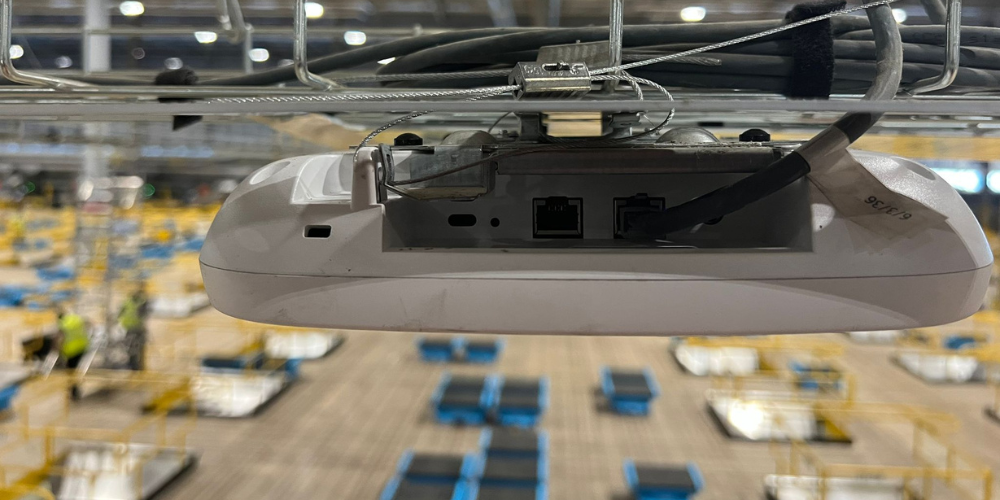
🔹 AP placement
🔹 Coverage overlap
🔹 Signal strength
🔹 Client roaming behaviour
🔹 RF interference
🔹 Channel planning
🔹 The wireless capabilities of the AMR itself
Simply seeing a strong Wi-Fi signal doesn’t necessarily mean the network is suitable for AMRs.
Coverage needs to follow the AMR routes
Traditional warehouse Wi-Fi is often designed around the areas where employees need connectivity.
AMRs can change this requirement.
Robots may travel through areas where employees rarely use wireless devices, meaning locations that were previously considered less important suddenly become business-critical.
An AMR route might run around the edge of a warehouse, between densely packed racking or through transition areas between different operational zones.
These routes need reliable wireless coverage throughout.
This is one reason why existing warehouse WiFi infrastructure should be assessed before large-scale automation is introduced.
The question changes from:
“Do we have Wi-Fi throughout the warehouse?”
to:
“Can the network provide the required performance throughout every route our AMRs need to travel?”
Those are very different questions.

A temporary connection problem can have a different operational impact
If an employee’s laptop briefly loses connectivity, it can be frustrating.
If a scanner disconnects, it can slow down picking or inventory processes.
But when wireless connectivity is supporting automated material movement, the potential operational impact can become greater.
Depending on the AMR solution and application, robots may need to communicate with fleet management platforms and wider warehouse systems as they operate.
Wireless connectivity therefore becomes part of the infrastructure supporting the automated operation.
This is why organisations shouldn’t evaluate AMR Wi-Fi requirements purely on whether devices can connect to the network.
Reliability needs to be considered in the context of the process the network is supporting.
AMRs can expose weaknesses that other devices don't
A wireless network can appear perfectly healthy when tested using a laptop.
That doesn’t necessarily mean an AMR will experience the network in the same way.
Different wireless clients can have different:
🔹 Antenna characteristics
🔹 Radio capabilities
🔹 Supported Wi-Fi standards
🔹 Roaming behaviour
🔹 Driver and firmware configurations
🔹 Mounting positions and orientations
The physical position of an AMR’s wireless antenna can also be very different from that of a handheld device being carried by an employee.
For example, testing Wi-Fi using a laptop held at desk height may not accurately represent the RF conditions experienced by a robot operating much closer to floor level.
Understanding the actual client device is therefore an important part of assessing Wi-Fi for automation.

Warehouse environments are constantly changing
Warehouses are already challenging RF environments.
Metal racking, stock, machinery and building materials can all affect how wireless signals propagate through a facility.
The environment can also change continuously.
An aisle containing relatively little stock during one survey may later contain densely packed products. Pallets move, stock levels change and new equipment can be introduced.
For conventional devices, users can sometimes compensate for weaker coverage by moving position.
AMRs generally follow defined operational routes and workflows.
The network therefore needs to account for the environment the robots will actually encounter during day-to-day operations.
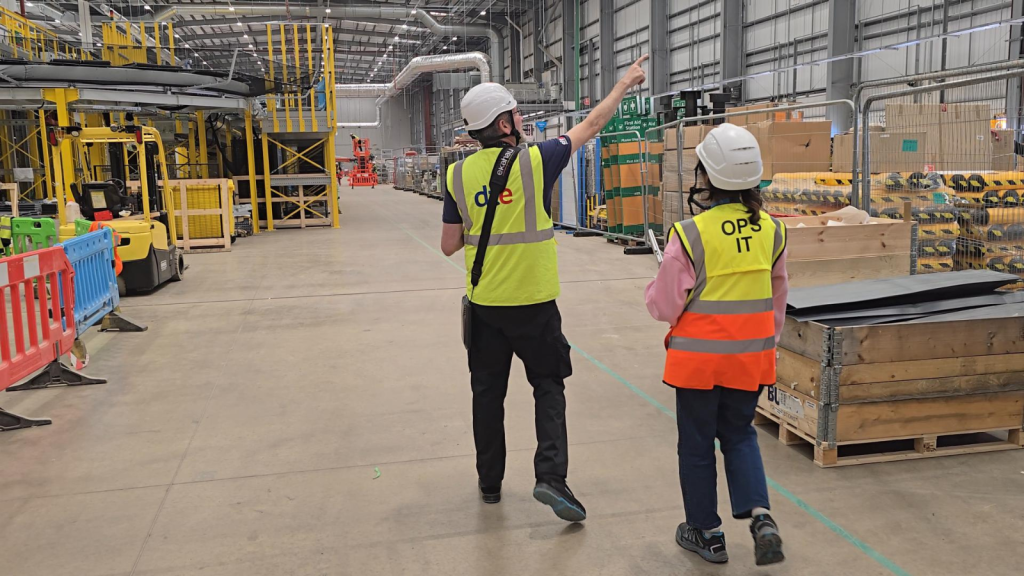
A professional WiFi survey can help identify coverage gaps, interference, roaming problems and other RF issues before they begin affecting an AMR deployment.
Capacity planning needs to consider the wider automation environment
One AMR may not fundamentally transform the capacity requirements of a wireless network.
A growing fleet is another matter.
Organisations may start with a small number of robots before expanding automation across additional processes or areas.
At the same time, the warehouse network still needs to support existing devices such as:
🔹 Barcode scanners
🔹 Voice picking devices
🔹 Handheld computers
🔹 Tablets
🔹 Laptops
🔹 IoT sensors
🔹 Warehouse management systems
🔹 Other automated equipment
Wi-Fi planning therefore needs to consider the complete device ecosystem rather than treating AMRs in isolation.
The objective should be a wireless infrastructure capable of supporting today’s requirements while providing room for automation to scale.

Testing needs to replicate how the AMRs actually operate
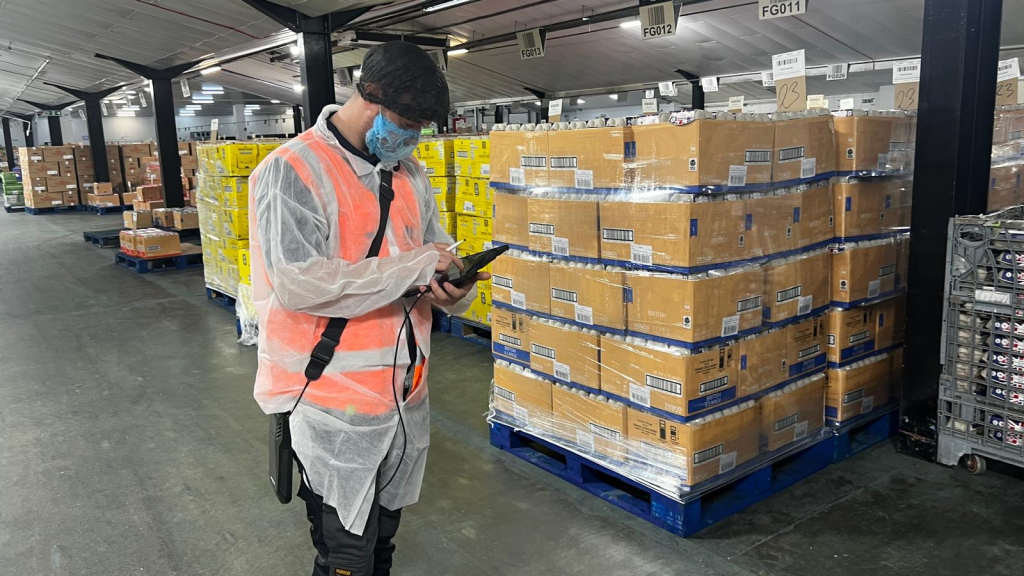
Walking around a warehouse with a laptop and checking whether it remains connected isn’t enough to determine whether the network is AMR-ready.
Testing should reflect the actual requirements of the automation environment.
Depending on the deployment, this could mean assessing:
🔹 Coverage throughout proposed AMR routes
🔹 Roaming between access points
🔹 Signal strength at the relevant device height
🔹 Interference and channel utilisation
🔹 Network performance in high-racking areas
🔹 Loading bays and transition zones
🔹 Areas where connectivity could become unreliable
Where possible, understanding the characteristics and requirements of the AMR client itself can make the wireless assessment more representative of the eventual deployment.
Can the same WiFi network support AMRs and handheld devices?
Absolutely.
The point isn’t that warehouses necessarily need a completely separate wireless infrastructure for AMRs.
A properly designed enterprise warehouse Wi-Fi network can support scanners, handheld computers, laptops, automation and numerous other connected technologies.
The important difference is how that network is designed, validated and optimised.
A network originally deployed primarily to provide general warehouse connectivity may need to be reassessed before it becomes the foundation for business-critical automation.

Don't assume good scanner Wi-Fi means good AMR WiFi
One of the easiest assumptions to make when planning an AMR deployment is:
“Our scanners work fine, so our Wi-Fi must be fine.”
That doesn’t tell the whole story.
Scanners, handhelds and laptops can be much more forgiving of temporary coverage or roaming issues because of how they are used.
AMRs operate differently.
They move continuously, travel along specific routes and can depend on reliable communication with other systems as part of an automated workflow.
Before deploying AMRs, organisations should therefore establish whether the wireless network is genuinely capable of supporting the robots, rather than discovering its limitations after deployment.
Planning to Deploy AMRs? Assess the WiFi First
The robots may be the most visible part of an automation project, but the infrastructure supporting them can be just as important.
DTE helps warehouses, distribution centres and manufacturing facilities assess, design and optimise Wi-Fi networks for AMRs and warehouse automation.
By assessing coverage, roaming, interference and the wider RF environment before deployment, potential wireless issues can be identified before they affect AMR performance.
Planning an AMR deployment or experiencing connectivity problems with an existing fleet? Speak to DTE about assessing whether your Wi-Fi is ready for automation.
Speak to a Specialist
Provide your details below, email [email protected] or call +44 (0) 845 658 8810.