
Your retail WiFi works perfectly on a quiet Tuesday morning.
Staff process card payments without delay. Handheld scanners update stock instantly. Mobile POS devices perform exactly as expected.
Then Saturday arrives.
The store fills with customers, payment queues begin to grow and suddenly everything slows down.
Card terminals take longer to authorise transactions.
Handheld devices become unresponsive.
Guest WiFi struggles.
Staff complain that “the WiFi is playing up again.”
If this sounds familiar, you’re not alone.
One of the most common retail wireless complaints isn’t poor WiFi all the time it’s WiFi that only struggles when the store gets busy.
The good news?
In most cases, the problem isn’t your broadband connection.
It’s your wireless network.
Understanding why performance changes during busy trading periods is the first step towards building retail WiFi that performs consistently throughout the day.
Your wireless network has reached capacity
Many retailers assume WiFi is simply about coverage.
If every part of the store has signal, everything should work.
Unfortunately, that’s only half the story.
Modern retail environments support far more connected devices than they did only a few years ago.
During peak trading periods your network may be supporting:
🔹 Card payment terminals
🔹 Mobile POS devices
🔹 Handheld stock scanners
🔹 Staff smartphones
🔹 Tablets
🔹 Digital signage
🔹 Electronic shelf labels
🔹 CCTV
🔹 Guest WiFi users
🔹 Click and collect devices
Every device competes for the same wireless airtime.
A network that comfortably supports twenty connected devices may struggle when supporting one hundred.

Strong signal doesn't always mean good performance
This surprises many retailers.
Your WiFi signal can appear excellent while applications remain painfully slow.
That’s because wireless performance depends on several factors including:
🔹 Client density
🔹 Airtime utilisation
🔹 RF interference
🔹 Channel congestion
🔹 Roaming efficiency
🔹 Access point placement
Think of it like a motorway.
The road may be perfectly smooth, but once too many vehicles use it simultaneously, traffic slows.
Wireless networks behave in exactly the same way.
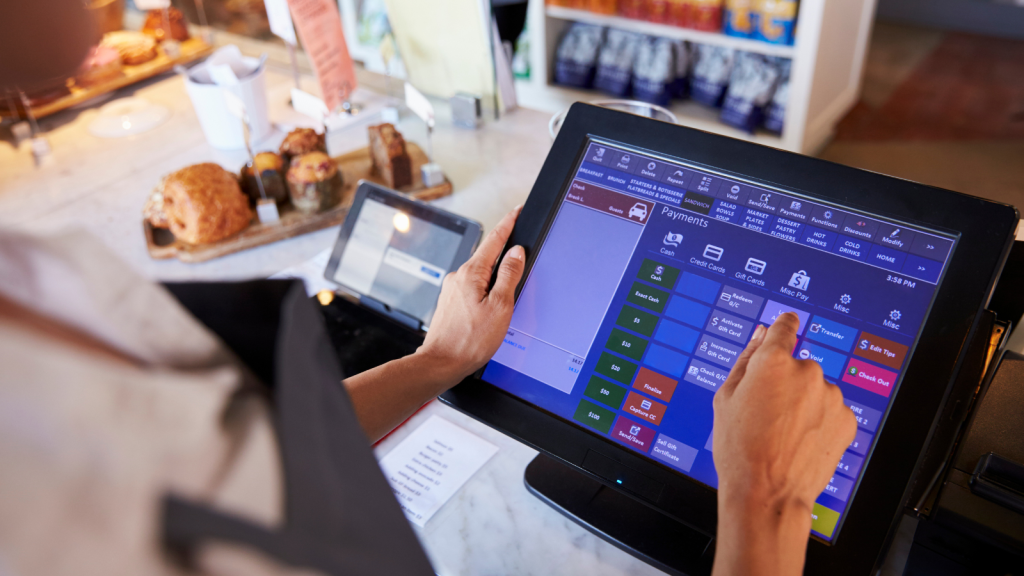
Guest WiFi can create unexpected congestion
Guest WiFi improves customer experience.
It also introduces hundreds of additional devices onto the wireless network.
Without proper design, guest traffic competes directly with business-critical systems such as:
🔹 Card payment terminals
🔹 Mobile POS
🔹 Inventory applications
🔹 Staff handheld devices
The result is often:
🔹 Slower payment processing
🔹 Delayed stock updates
🔹 Poor application performance
🔹 Increased latency
🔹 Device disconnections
Professional guest Wi-Fi solutions separate guest traffic from operational systems so customers stay connected without affecting business performance.

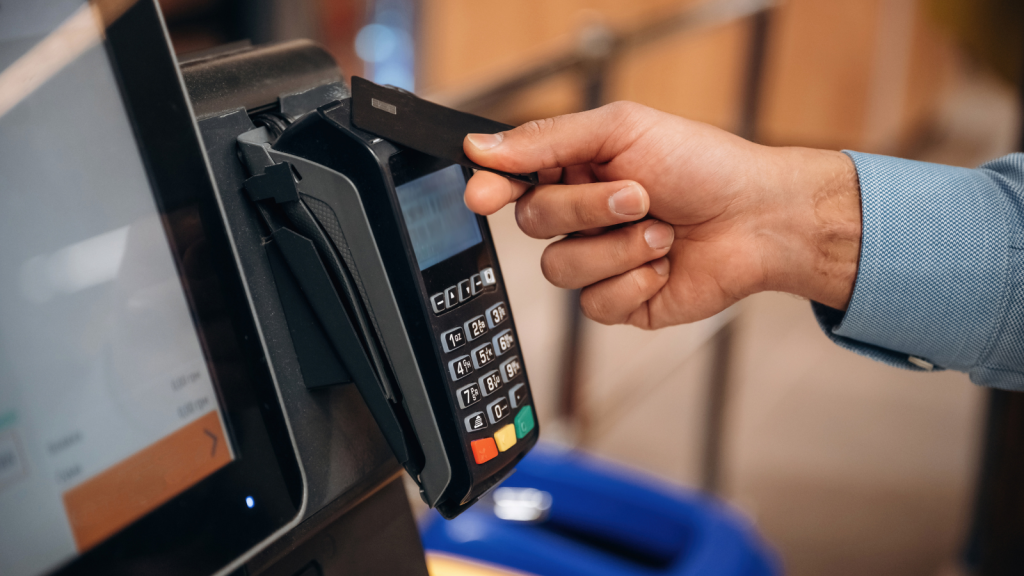
Payment terminals usually show the problem first
When wireless capacity reaches its limit, payment systems are often the first applications to suffer.
Retailers commonly notice:
🔹 Delayed card authorisations
🔹 Failed transactions
🔹 Longer customer queues
🔹 Temporary payment interruptions
In many cases, the payment terminal isn’t faulty.
The wireless network simply doesn’t have sufficient capacity to support peak demand.
If your card machines regularly lose connection, you may also find our blog Why Do My Card Payment Machines Keep Losing Wi-Fi Connection? useful.
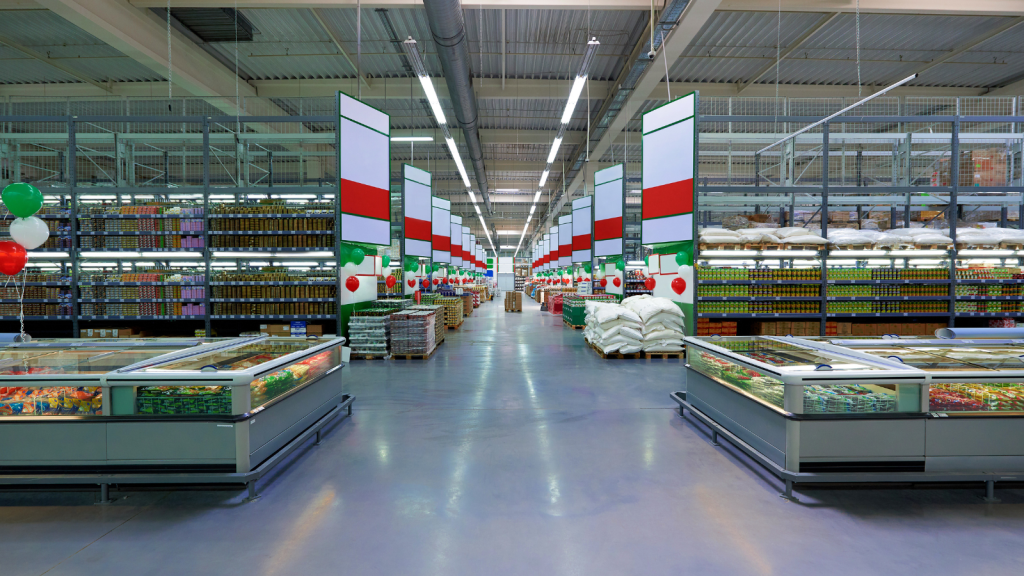
Store layout changes affect wireless performance
Retail environments never stay the same.
Throughout the year stores introduce:
🔹 Seasonal displays
🔹 Promotional stands
🔹 New shelving
🔹 Refrigeration units
🔹 Temporary sales areas
These changes alter how wireless signals travel throughout the store.
Something as simple as relocating shelving can introduce:
🔹 Coverage gaps
🔹 Poor roaming
🔹 Client congestion
🔹 Uneven wireless performance
If your store has recently changed layout, read our blog: How Store Layout Impacts Retail Wi-Fi Coverage.
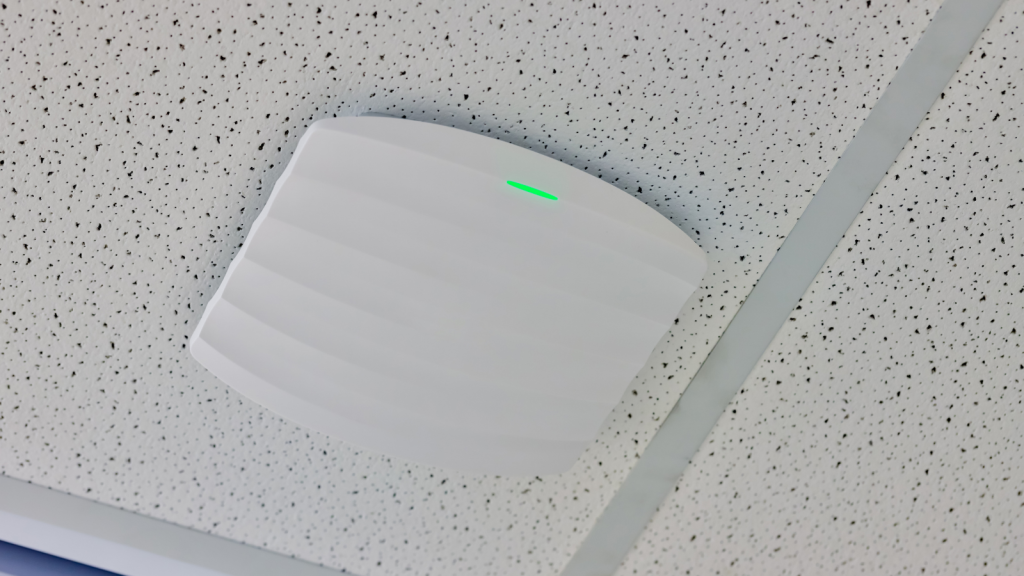
More access points won't always solve the problem
One of the biggest misconceptions in wireless networking is that adding more access points automatically improves WiFi.
Unfortunately, the opposite is often true.
Poorly positioned access points can create:
🔹 Co-channel interference
🔹 Adjacent channel interference
🔹 Excessive overlap
🔹 Airtime congestion
🔹 Poor roaming
Rather than increasing performance, they reduce it.
Professional retail Wi-Fi begins with careful wireless design rather than simply installing additional hardware.
Older wireless networks weren't designed for modern retail
Retail technology has changed dramatically.
Today’s stores often depend on:
🔹 Mobile POS
🔹 Cloud applications
🔹 Click and collect
🔹 Electronic shelf labels
🔹 Digital signage
🔹 Guest WiFi
🔹 Retail IoT devices
Many wireless networks installed only five or six years ago weren’t designed for this level of connectivity.
As device numbers increase, performance naturally begins to decline.

How a professional WiFi survey identifies capacity problems
Many retailers assume slow WiFi means poor coverage.
That’s rarely the full picture.
A professional WiFi survey evaluates:
🔹 Wireless coverage
🔹 Capacity
🔹 Client density
🔹 Roaming performance
🔹 RF interference
🔹 Channel utilisation
🔹 Access point placement
This allows engineers to identify the real cause of poor wireless performance rather than relying on assumptions.
If you’re unsure whether your network needs optimisation or replacement, a survey provides the evidence needed to make an informed decision.
Build a retail WiFi network ready for peak trading
Busy trading periods shouldn’t expose weaknesses in your wireless network.
Whether you’re preparing for seasonal demand, opening new stores or improving customer experience, your wireless infrastructure should continue performing regardless of how many customers walk through the door.
At DTE, we help retailers design, deploy and optimise retail wireless networks that support payment systems, handheld devices, guest WiFi and modern retail technology.
Speak to a Specialist
Provide your details below, email [email protected] or call +44 (0) 845 658 8810.