When a stadium fills with thousands of fans, the demand placed on its wireless network increases dramatically. Visitors expect to access digital tickets, order food and drinks, share photos and videos, browse social media and make contactless payments, often all at the same time.
If the wireless network hasn’t been designed for this level of demand, performance can quickly deteriorate. Slow connections, failed payments, dropped devices and poor roaming can frustrate both visitors and staff, affecting the overall event experience.
While many assume adding more access points will solve the problem, poor performance is usually caused by underlying network design issues rather than a lack of hardware.
If you’re experiencing these challenges, our Stadium WiFi Solutions explains how professionally designed high-density wireless networks help venues deliver reliable connectivity during even the busiest events.
1. Too many devices connecting at once
One of the biggest challenges for stadiums is the sheer number of devices connected to the network.
A crowd of 20,000 spectators often means far more than 20,000 connected devices. Many visitors carry multiple wireless devices, including smartphones, smartwatches and tablets.
At the same time, the network may also be supporting:
🔹 Ticket scanning systems
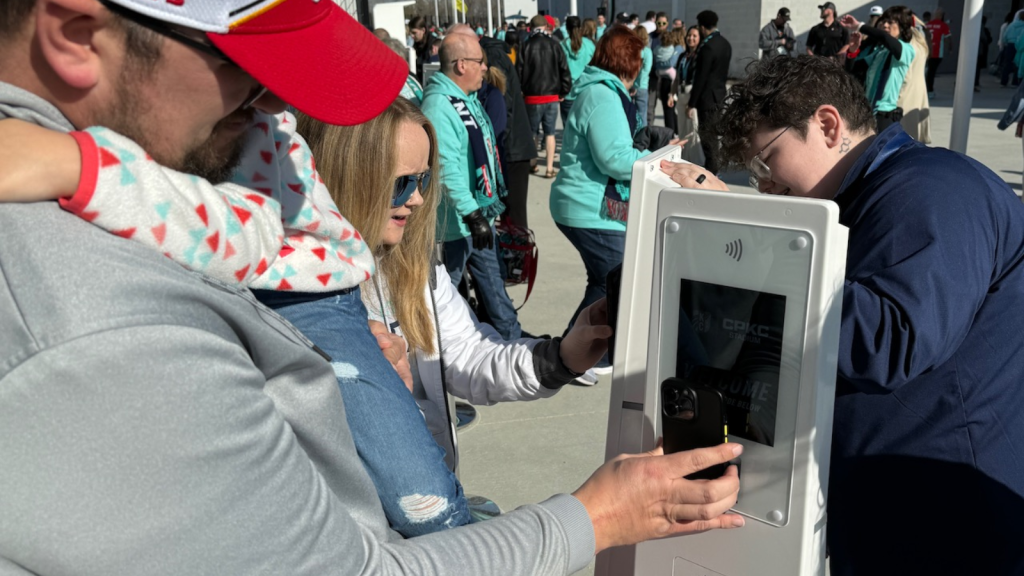
🔹 Contactless payment terminals
🔹 Hospitality systems
🔹 Security devices
🔹 Staff handheld terminals
🔹 Digital signage
🔹 Guest WiFi
Without sufficient capacity planning, wireless access points become overloaded, resulting in slower speeds and unreliable connections.

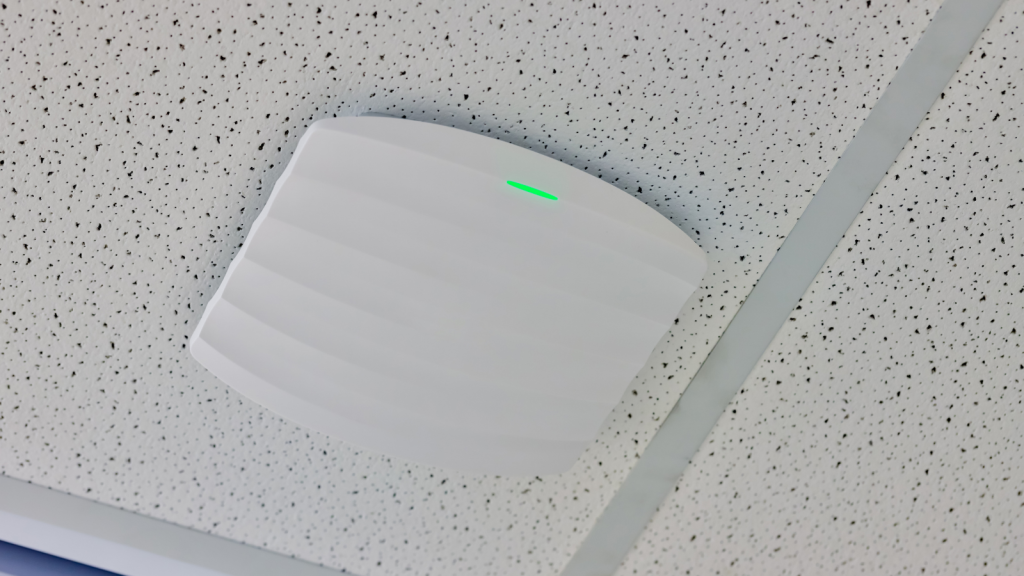
2. Poor access point placement
WiFi isn’t simply about installing enough access points.
Their location has a huge impact on performance.
If access points are positioned too closely together, their signals can overlap, creating interference and reducing overall network efficiency.
If they’re too far apart, dead zones begin to appear, particularly in seating areas, hospitality suites or concourses.
Professional wireless design balances both coverage and capacity, ensuring users are distributed efficiently across the network.
3. Interference reduces wireless performance
Large stadiums contain many materials and technologies that can interfere with wireless signals.
Common sources include:
🔹 Steel roof structures
🔹 Concrete seating areas
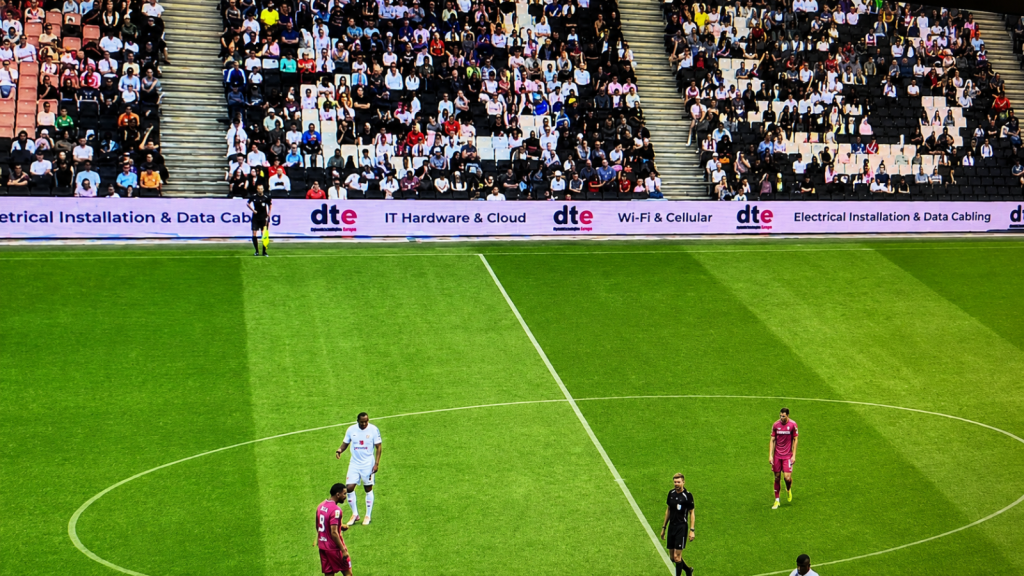
🔹 LED advertising displays
🔹 Broadcast equipment
🔹 Temporary event infrastructure
🔹 Nearby wireless networks
Without careful radio frequency (RF) planning, interference can significantly reduce network performance, particularly during busy events.
4. Devices don't roam properly
Visitors rarely stay in one place.
They move between entrances, food outlets, bars, retail stores, hospitality areas and seating throughout an event.
If roaming isn’t configured correctly, devices remain connected to distant access points instead of switching to stronger nearby ones.
This often causes:
🔹 Slow internet access
🔹 Frozen payment terminals
🔹 Ticket scanning delays
🔹 Video buffering
🔹 Poor voice call quality
Optimising roaming behaviour is an essential part of designing reliable wireless networks for large venues.
5. The network wasn't designed for capacity
Many wireless networks are designed purely to provide coverage.
Coverage alone isn’t enough in high-density environments.
A stadium network must also support thousands of simultaneous connections while maintaining reliable performance.
Professional wireless engineers consider:
🔹 Expected attendance
🔹 Device density
🔹 Application usage
🔹 Seating layouts
🔹 Hospitality areas
🔹 Outdoor spaces
🔹 Business-critical systems
Capacity planning ensures the network performs consistently, even during peak demand.
6. Ageing wireless infrastructure
Older wireless hardware may struggle to support today’s applications and increasing device numbers.
As visitor expectations grow, ageing infrastructure often leads to:
🔹 Reduced throughput
🔹 Increased congestion
🔹 Poor roaming
🔹 Compatibility issues
🔹 Security limitations
Upgrading to modern enterprise technologies such as WiFi 6 or WiFi 7 can significantly improve both performance and future scalability.

How to improve stadium WiFi performance
If your venue regularly experiences slow wireless performance during busy events, it’s important to identify the underlying cause rather than simply adding more hardware.
A professional wireless survey provides valuable insight into:
🔹 Coverage gaps
🔹 Interference
🔹 Capacity constraints
🔹 Roaming issues
🔹 Access point placement
🔹 Network performance
Using specialist tools such as Ekahau AI Pro and Sidekick 2, experienced wireless engineers can identify exactly where improvements are needed and provide practical recommendations to optimise performance.
Keep fans connected when it matters most
Reliable wireless connectivity has become essential for modern stadiums. Whether supporting thousands of spectators, hospitality services or operational systems, a professionally designed wireless network delivers a better experience for everyone using your venue.
If you’re planning a new deployment or experiencing performance issues, explore our Stadium WiFi Solutions to learn how DTE designs, installs and optimises enterprise wireless networks for high-density venues.
Speak to a Specialist
Provide your details below, email [email protected] or call +44 (0) 845 658 8810.