
Have you ever wondered why guests experience excellent WiFi in reception but struggle to connect once they reach their room?
It’s a common issue across hotels of all sizes and is often caused by the building itself rather than the internet connection.
Hotels contain a wide variety of construction materials that can weaken, block or reflect wireless signals. Combined with complex layouts and multiple floors, this makes designing reliable hotel Wi-Fi far more challenging than many people realise.
Understanding how your building affects wireless performance is the first step towards delivering a fast, reliable hospitality WiFi.
Every hotel is different
No two hotels are built the same.
A modern city-centre hotel presents very different wireless challenges to a converted country house, listed building or luxury resort.
Factors that influence WiFi performance include:
🔹 Building age
🔹 Construction materials
🔹 Number of floors
🔹 Room layout
🔹 Ceiling heights
🔹 Corridors
🔹 Stairwells
🔹 Outdoor spaces
Because every property is unique, wireless networks should always be designed around the building rather than using a standard template.
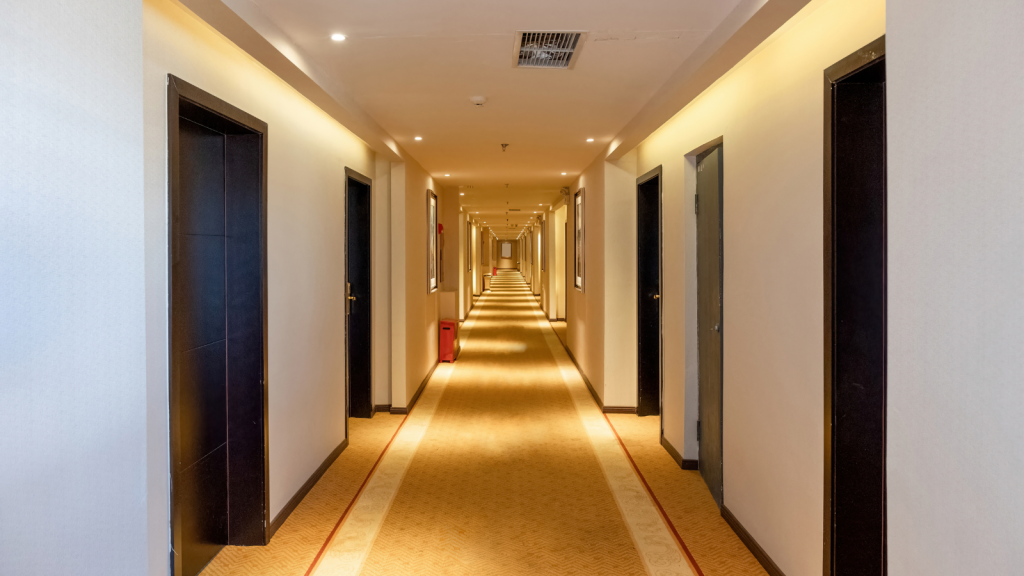
Thick walls reduce Wi-Fi coverage
One of the biggest challenges in hotels is the number of internal walls separating guest rooms.
Materials such as:
🔹 Brick
🔹 Concrete
🔹 Stone
🔹 Reinforced walls
can significantly weaken wireless signals.
Although a guest may appear to be only a short distance from an access point, several walls between them can dramatically reduce signal strength.
This often leads to:
🔹 Slow internet speeds
🔹 Poor video calls
🔹 Buffering when streaming
🔹 Devices disconnecting unexpectedly
Professional wireless design considers how signals travel through the building rather than simply measuring distance.
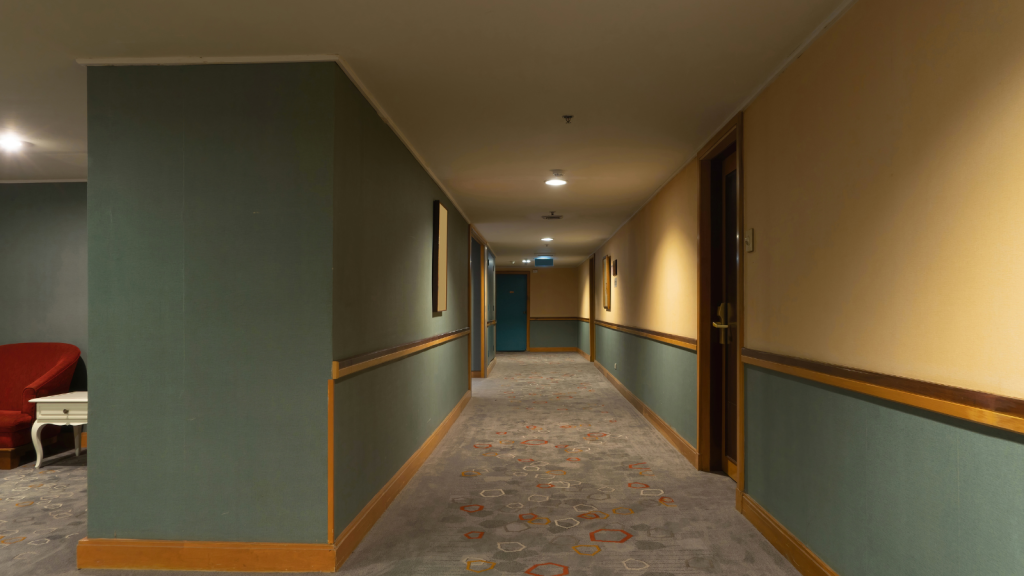
Floors can be just as problematic
Multi-storey hotels present another challenge.
Wireless signals don’t always travel efficiently between floors, particularly where reinforced concrete is used.
Relying on access points installed on another level can create inconsistent coverage and leave guest rooms with unreliable connectivity.
Professional network design ensures every floor receives the wireless capacity it requires.

Lift shafts and service areas can create dead spots
Large structures inside hotels can interrupt wireless signals.
Examples include:
🔹 Lift shafts
🔹 Plant rooms
🔹 Service corridors
🔹 Storage areas
🔹 Fire doors
These obstacles can create unexpected dead spots, even when nearby areas appear to have excellent coverage.
A professional wireless survey identifies these issues before they affect guests.

Conference facilities need different WiFi design
Conference rooms and event spaces often experience much higher wireless demand than guest bedrooms.
During business events, hundreds of delegates may connect simultaneously using:
🔹 Laptops
🔹 Smartphones
🔹 Tablets
while accessing cloud applications, video conferencing platforms and presentation software.
Although the room may have excellent signal strength, insufficient capacity can still result in poor performance.
This is why conference facilities should be designed differently from guest accommodation.
Outside areas need reliable connectivity too
Modern hotels increasingly offer:
🔹 Gardens
🔹 Courtyards
🔹 Terraces
🔹 Pool areas
🔹 Outdoor dining
Guests expect Wi-Fi to work just as reliably outdoors as it does inside.
Providing consistent outdoor coverage requires specialist wireless equipment and careful planning to account for weather conditions, landscaping and neighbouring wireless networks.

Why guesswork doesn't work
Many hotels attempt to improve coverage simply by adding more wireless access points.
Unfortunately, this can introduce new problems.
Poorly positioned access points may cause:
🔹 Increased interference
🔹 Channel overlap
🔹 Poor roaming
🔹 Reduced performance
A better approach is to understand exactly how the building affects wireless signals before making changes.

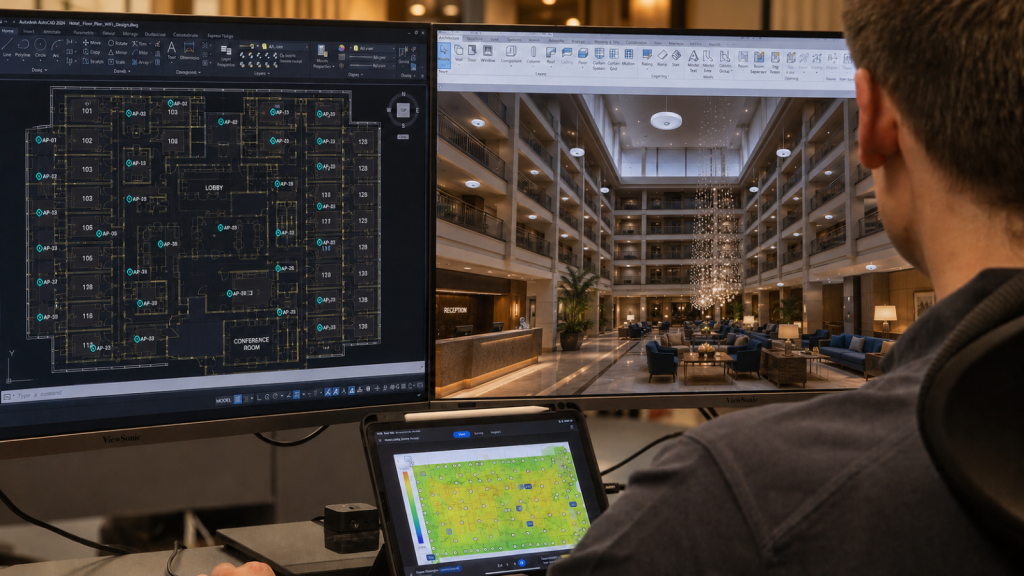
Professional WiFi surveys remove the guesswork
At DTE, we use Ekahau AI Pro and Sidekick 2 to carry out professional wireless site surveys.
Our engineers analyse:
🔹 Signal coverage
🔹 Dead spots
🔹 Wireless interference
🔹 Access point locations
🔹 Capacity
🔹 Roaming performance
The result is a detailed understanding of how your hotel’s layout affects wireless performance, allowing us to recommend improvements that deliver measurable results.

Better WiFi starts with better design
Reliable hotel Wi-Fi isn’t achieved by chance.
It begins with understanding how your building, guests and operational systems interact with the wireless network.
Whether you’re refurbishing a hotel, upgrading ageing infrastructure or experiencing guest complaints, a professional wireless survey provides the information needed to improve performance throughout your property.
Discover how our Hospitality WiFi Solutions help hotels, resorts and event venues deliver fast, reliable wireless connectivity that enhances both guest satisfaction and day-to-day operations.
Speak to a Specialist
Provide your details below, email [email protected] or call +44 (0) 845 658 8810.