
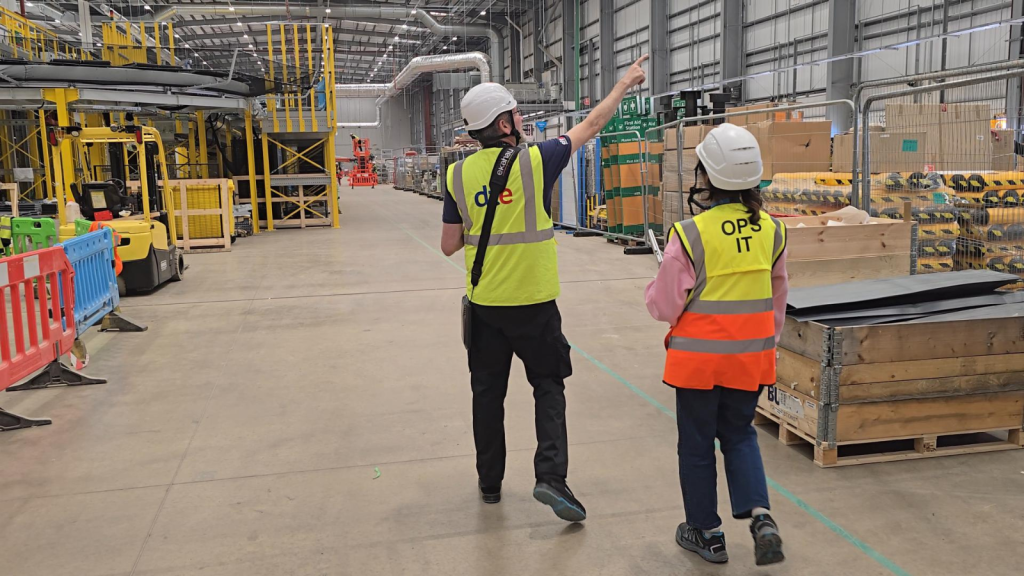
Warehouse operations have changed dramatically over the last decade.
What was once a wireless network supporting a handful of barcode scanners may now be expected to handle Warehouse Management Systems (WMS), rugged handheld terminals, vehicle-mounted computers, voice-picking systems, mobile printers, IoT devices and even warehouse automation.
If your wireless infrastructure hasn’t evolved at the same pace, it could be quietly impacting productivity every day.
Reliable wireless connectivity is essential for modern logistics. Slow roaming, scanner disconnects and dead zones don’t just frustrate employees, they slow picking, delay inventory updates and reduce operational efficiency.
If you’re noticing any of the warning signs below, it may be time to review whether your existing warehouse wireless network is still fit for purpose.
1. Barcode scanners disconnect throughout the day
One of the clearest indicators that a warehouse WiFi network is struggling is unreliable connectivity for handheld barcode scanners and mobile devices.
You may notice:
- Scanner sessions dropping unexpectedly
- Delayed inventory updates
- Devices reconnecting between aisles
- Lost connections while moving through the warehouse
- Users waiting for applications to resynchronise
These issues are often blamed on ageing scanners, but the underlying cause is frequently the wireless network itself.
Poor roaming, inconsistent coverage and ageing access points can all affect operational mobility.
If scanner disconnects have become a regular occurrence, our blog Why Barcode Scanners Keep Disconnecting from Warehouse Wi-Fi explains the most common causes.
If the underlying wireless infrastructure is no longer capable of supporting operational workflows, it may be time to consider a professionally designed warehouse Wi-Fi solution.

Dead zones have become part of everyday operations
Have staff started saying things like:
“The scanner always drops out in this aisle.”
or
“The signal disappears near dispatch.”
Dead zones should never become accepted as “normal”.
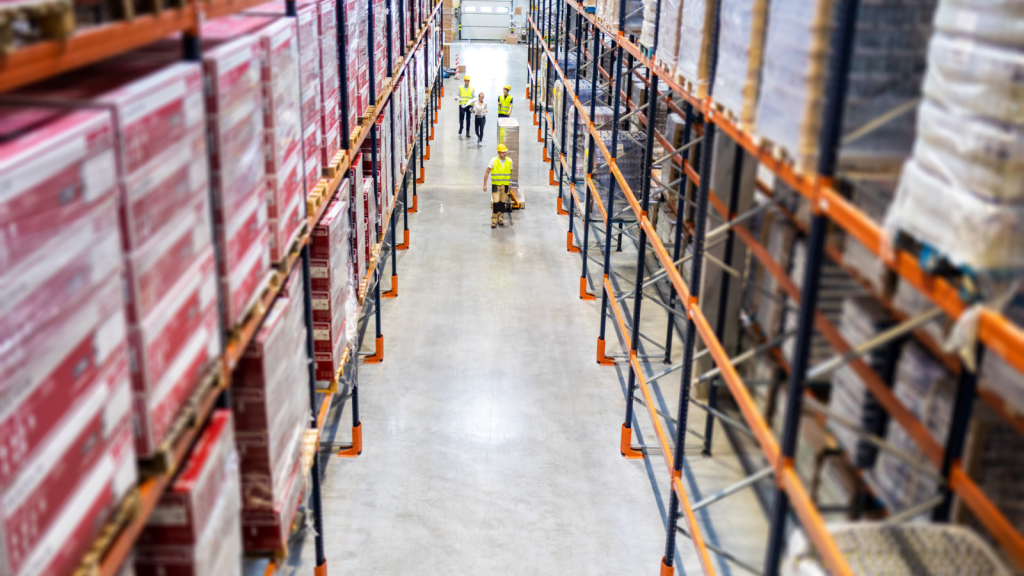
Warehouse environments naturally create difficult RF conditions due to:
- Steel racking
- Dense stock
- Reflective surfaces
- High ceilings
- Long warehouse aisles
- Constantly changing layouts
As warehouses evolve, wireless coverage that once worked well can gradually become unreliable.
A professional WiFi survey identifies coverage gaps, roaming issues and RF interference before they begin affecting productivity.
Wireless performance drops during busy periods
Does your warehouse perform well early in the day but struggle once operations reach full capacity?
Common symptoms include:
- Delayed scanner responses
- Slower Warehouse Management System updates
- Poor application performance
- Increased latency
- Intermittent connectivity
These issues often indicate the network has reached its capacity rather than suffering from poor internet connectivity.
Modern warehouses support significantly more connected devices than they did only a few years ago.
Older wireless networks were rarely designed to accommodate today’s operational demands.

Your warehouse still uses older wireless technology
Wireless technology has advanced considerably in recent years.
Many older warehouse networks weren’t designed to support:
- High-density device environments
- Cloud-based warehouse applications
- Modern security standards
- Voice picking
- Warehouse automation
- Wi-Fi 6 or Wi-Fi 6E
Although older equipment may still function, it often lacks the capacity and efficiency required by today’s operations.
Replacing hardware alone isn’t always the answer.
A modern warehouse Wi-Fi solution considers wireless design, roaming, coverage and future growth, not simply newer access points.

Your warehouse layout has changed
Warehouses rarely stay the same.
Since your wireless network was originally installed, you may have:
- Added new racking
- Increased stock density
- Expanded operational areas
- Introduced automation
- Installed new machinery
- Reconfigured workflows
Each of these changes affects how wireless signals travel throughout the building.
A network that originally performed well may now contain dead zones, poor roaming areas and inconsistent coverage simply because the environment has changed.
Our blog How Racking, Stock & Movement Affects Warehouse Wi-Fi explains why these environmental changes have such a significant impact on wireless performance.
Your IT team is constantly troubleshooting WiFi issues
If your IT team regularly receives complaints such as:
- “The scanner won’t reconnect.”
- “WiFi is slow near dispatch.”
- “Applications keep freezing.”
- “Coverage is unreliable.”
it’s worth asking whether the wireless infrastructure itself is responsible.
Many organisations spend months replacing hardware and troubleshooting individual devices before discovering the real issue lies within the RF design.
A professional WiFi survey provides measurable evidence of how your wireless network performs, helping identify whether optimisation or replacement is the most appropriate next step.

Your network was never designed for a warehouse
One of the most common issues we encounter is warehouse WiFi that was originally designed using office networking principles.
Warehouses require specialist consideration for:
- Long aisle coverage
- Directional antenna placement
- Roaming optimisation
- Steel racking
- RF reflections
- Mobile operational devices
A wireless network designed primarily for laptops and office users often struggles to support:
- Warehouse Management Systems
- Barcode scanners
- Voice-picking systems
- Vehicle-mounted terminals
- Industrial IoT
- Autonomous Mobile Robots (AMRs)
Our warehouse Wi-Fi solutions are specifically designed around operational mobility rather than traditional office usage.

You're planning warehouse expansion or automation
If your warehouse is preparing for:
- Automation
- Robotics
- AGVs
- Additional handheld devices
- Voice-directed picking
- Operational expansion
your wireless network should be reviewed before deployment begins.
Modern automation systems require:
- Low latency
- Reliable roaming
- Consistent wireless coverage
- High availability
Planning ahead helps avoid expensive redesigns later.
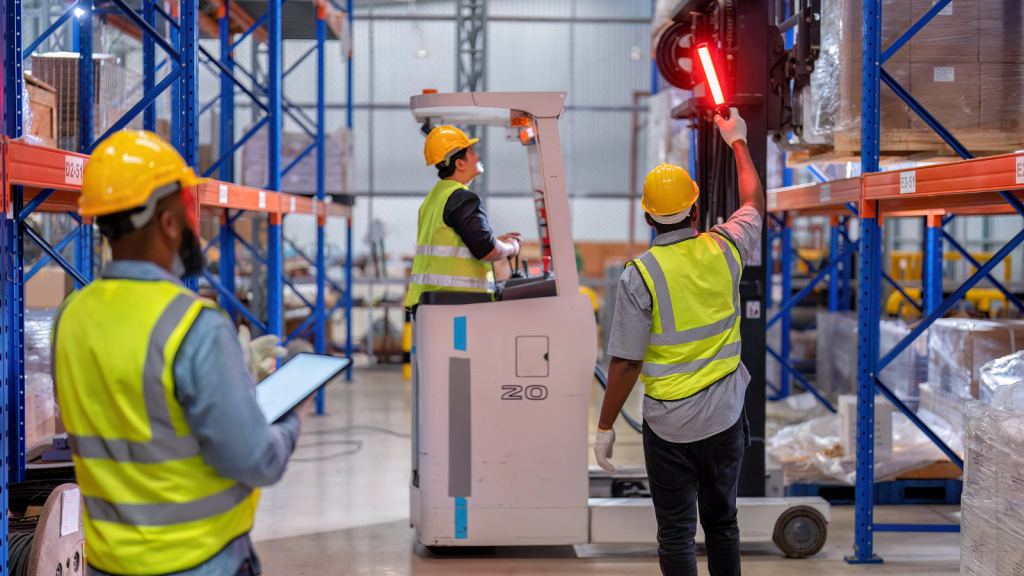
Wireless problems are affecting productivity
The biggest warning sign isn’t technical, it’s operational.
If poor WiFi is causing:
- Slower picking
- Delayed inventory updates
- Reduced worker efficiency
- Increased downtime
- Longer troubleshooting sessions
- Poor user experience
your wireless network has become a business problem rather than simply an IT issue.
Reliable warehouse WiFi now underpins almost every aspect of modern warehouse operations.

Does your warehouse WiFi really need replacing?
Not always.
Some businesses benefit from:
- Better access point placement
- Wireless optimisation
- Improved roaming configuration
- Capacity improvements
Others discover that ageing infrastructure or poor wireless design makes replacement the most cost-effective long-term option.
The best way to determine which approach is right is through a professional WiFi survey.
Survey data provides the evidence needed to decide whether optimisation is sufficient or whether a new warehouse Wi-Fi solution will deliver greater operational benefits.

Improve warehouse connectivity with DTE
At DTE, we help businesses design, survey, install and optimise warehouse wireless networks that support modern logistics operations.
Whether your organisation needs a wireless assessment, targeted optimisation or a complete warehouse Wi-Fi solution, our engineers provide practical recommendations backed by real RF analysis and industry-leading survey technology.
If your warehouse WiFi is slowing operations, creating dead zones or affecting scanner reliability, we’re here to help.
Speak to a Specialist
Provide your details below, email info@dteuro.com or call +44 (0) 845 658 8810.