
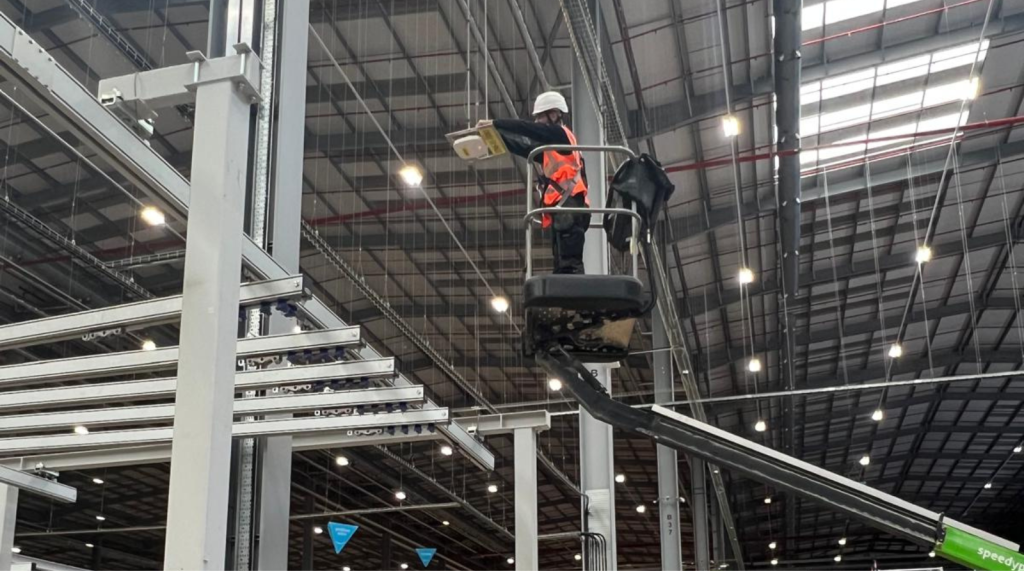
Your barcode scanners worked perfectly when the warehouse first opened.
Now they’re randomly disconnecting, failing to synchronise with your Warehouse Management System (WMS) or losing connection halfway through a picking route.
If your warehouse team has started saying things like:
🔹 “The scanner always drops out in this aisle.”
🔹 “I have to reconnect before every pick.”
🔹 “It never works properly near dispatch.”
…the problem is rarely the scanner itself.
In most cases, the underlying issue is the wireless network.
Reliable wireless connectivity is essential for modern warehouse operations. Barcode scanners, vehicle-mounted terminals, voice-picking devices and mobile computers all rely on continuous connectivity to communicate with your Warehouse Management System (WMS).
In this blog, we’ll explore the most common reasons barcode scanners disconnect from warehouse Wi-Fi and explain how businesses can improve reliability through better wireless network design, professional WiFi surveys and ongoing optimisation.
Why reliable warehouse WiFi matters
Barcode scanners are one of the busiest devices on your wireless network.
Every scan updates stock levels, confirms picking accuracy and keeps warehouse operations moving efficiently.
When scanners disconnect, the impact can be immediate:
🔹 Delayed inventory updates
🔹 Failed barcode scans
🔹 Slower picking and packing
🔹 Increased manual intervention
🔹 Reduced warehouse productivity
🔹 Frustrated warehouse teams
What appears to be a small wireless issue can quickly affect the entire operation.

Poro roaming between wireless access points
One of the biggest causes of scanner disconnects is poor roaming.
Unlike office workers, warehouse employees are constantly moving.
As scanners travel between warehouse aisles, loading bays and dispatch areas, they must roam seamlessly between wireless access points without losing connectivity.
When roaming isn’t properly optimised, scanners may:
🔹 Disconnect temporarily
🔹 Hold onto weak signals
🔹 Reconnect slowly
🔹 Lose communication with the WMS
🔹 Delay inventory updates
This is particularly common in warehouses with:
🔹 Long picking aisles
🔹 High racking
🔹 Uneven wireless coverage
🔹 Incorrect access point placement
A professional WiFi survey analyses roaming behaviour throughout the warehouse, helping engineers optimise access point placement and signal overlap for uninterrupted mobility.
Coverage gaps and warehouse dead zones
Warehouse WiFi doesn’t behave like office WiFi.
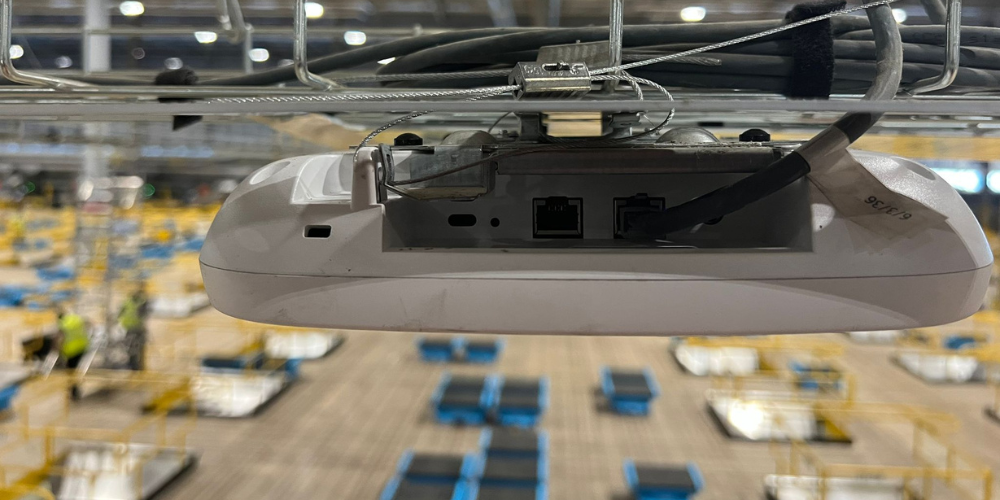
Steel racking, palletised stock and high ceilings all affect how wireless signals travel throughout the building.
As a result, dead zones often develop in areas such as:
🔹 Picking aisles
🔹 Loading bays
🔹 Dispatch areas
🔹 Mezzanines
🔹 Cold storage
🔹 High-density storage locations
These weak coverage areas frequently explain why scanners disconnect in the same locations every day.
Rather than guessing where the problem exists, a professional WiFi survey creates detailed heat maps showing exactly where wireless coverage is strong, weak or unreliable.
Wireless interference is disrupting scanner performance
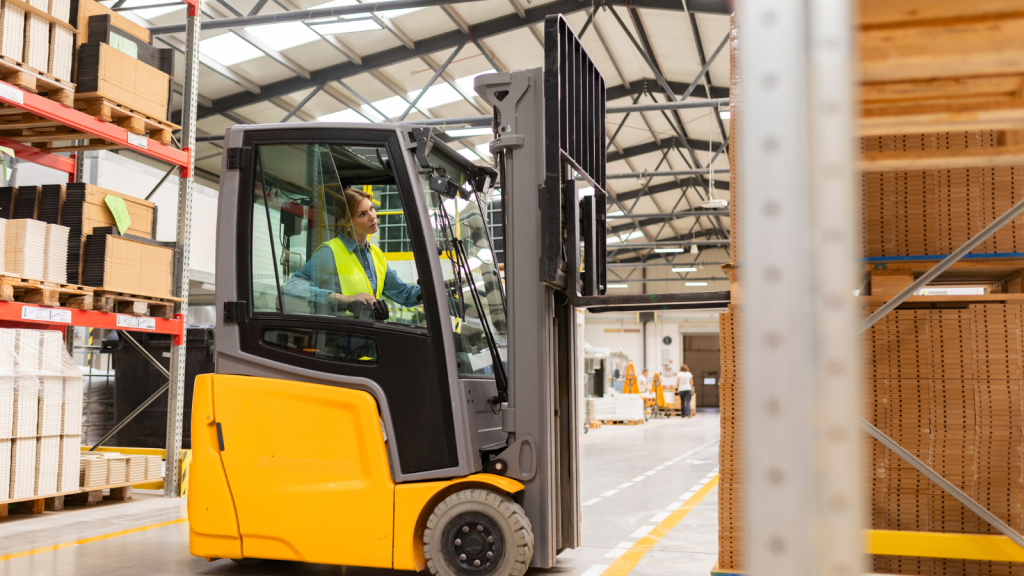
Warehouse environments contain many sources of radio frequency (RF) interference.
These include:
🔹 Nearby wireless networks
🔹 Bluetooth devices
🔹 Industrial equipment
🔹 Poorly configured access points
🔹 Overlapping wireless channels
Interference can lead to:
🔹 Packet loss
🔹 Slow scanner responses
🔹 Failed synchronisation
🔹 Unstable roaming
🔹 Random disconnections
Adding more wireless access points isn’t always the answer.
In many cases, poor channel planning actually increases interference rather than reducing it.
A professional wireless assessment identifies the source of interference and recommends practical improvements.

Access points aren't positioned correctly
Many warehouse wireless networks were originally installed using office WiFi design principles.
Unfortunately, warehouses require a completely different approach.
Engineers must consider:
🔹 Racking height
🔹 Aisle orientation
🔹 Antenna selection
🔹 Ceiling height
🔹 Loading bay coverage
🔹 Future warehouse expansion
Incorrect access point placement can create:
🔹 Coverage holes
🔹 Excessive overlap
🔹 Weak roaming zones
🔹 Congested wireless channels
Professional warehouse WiFi design focuses on providing consistent coverage exactly where operational devices need it.
Your warehouse has changed since the network was installed
Warehouses rarely stay the same.
Over time:
🔹 Racking is moved.
🔹 New storage areas are created.
🔹 Stock density changes.
🔹 Additional devices are introduced.
🔹 Automation systems are deployed.
Each of these changes affects how wireless signals propagate.
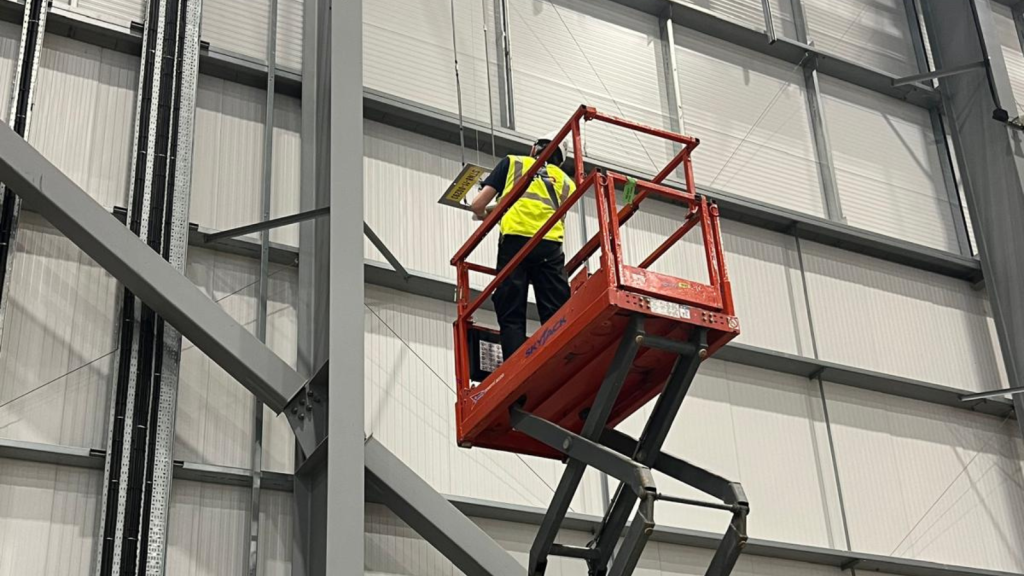
A network that worked perfectly three years ago may now contain dead zones and roaming problems simply because the warehouse environment has evolved.
If your warehouse layout has changed significantly, it’s worth carrying out a new WiFi survey to ensure the wireless infrastructure still supports operational requirements.

Your wireless infrastructure is reaching capacity
Modern warehouses support far more connected devices than they did only a few years ago.
Today’s wireless networks often carry traffic from:
🔹 Barcode scanners
🔹 Vehicle-mounted terminals
🔹 Tablets
🔹 Mobile printers
🔹 RFID readers
🔹 Voice-picking systems
🔹 IoT sensors
🔹 Autonomous Mobile Robots (AMRs)
As device numbers increase, older wireless infrastructure may struggle with:
🔹 Airtime congestion
🔹 Capacity bottlenecks
🔹 Increased latency
🔹 Slower roaming
🔹 Reduced scanner performance
Modern wireless technologies such as Wi-Fi 6 and Wi-Fi 6E provide significant improvements in capacity and device handling, but only when the network has been designed correctly.

How a professional WiFi survey helps
Many businesses replace scanners before investigating the wireless network.
Unfortunately, new scanners often experience exactly the same problems because the underlying issue hasn’t been addressed.
A professional WiFi survey provides a complete picture of your warehouse wireless environment, identifying:
🔹 Coverage gaps
🔹 RF interference
🔹 Roaming issues
🔹 Capacity limitations
🔹 Channel congestion
🔹 Access point placement problems
Rather than relying on assumptions, businesses receive detailed heat maps and practical recommendations that explain exactly why scanner connectivity is failing.
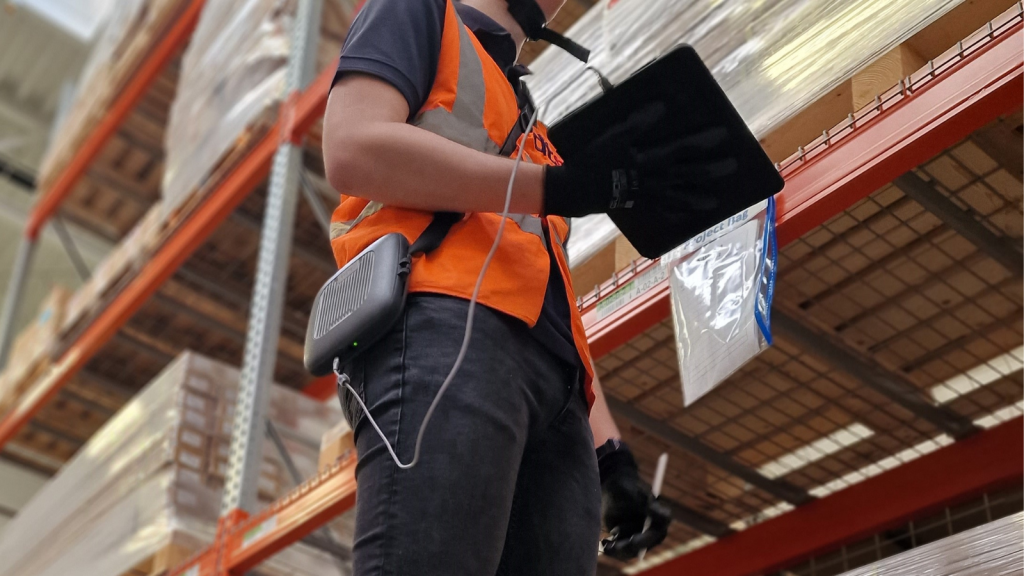
Improve warehouse scanner reliability with DTE
Reliable barcode scanning depends on far more than the scanner itself.
At DTE, we help warehouses design, optimise and support wireless networks that keep operational devices connected throughout every shift.
Our engineers deliver:
🔹 Professional WiFi Surveys
🔹 Warehouse Wi-Fi Solutions
🔹 Wireless network design
🔹 RF analysis and heat mapping
🔹 Wireless optimisation
🔹 Warehouse WiFi installations
If your barcode scanners regularly disconnect, your warehouse has developed dead zones or users are experiencing poor roaming, we’ll help identify the root cause and recommend the most effective solution.
Speak to a Specialist
Provide your details below, email info@dteuro.com or call +44 (0) 845 658 8810.