
Your warehouse WiFi worked perfectly when it was first installed.
A year later, barcode scanners begin disconnecting in certain aisles. Drivers lose connectivity near dispatch. Staff notice dead zones where they never existed before.
Nothing appears to have changed with the wireless network itself.
So what’s causing the problem?
In many cases, it’s the warehouse environment.
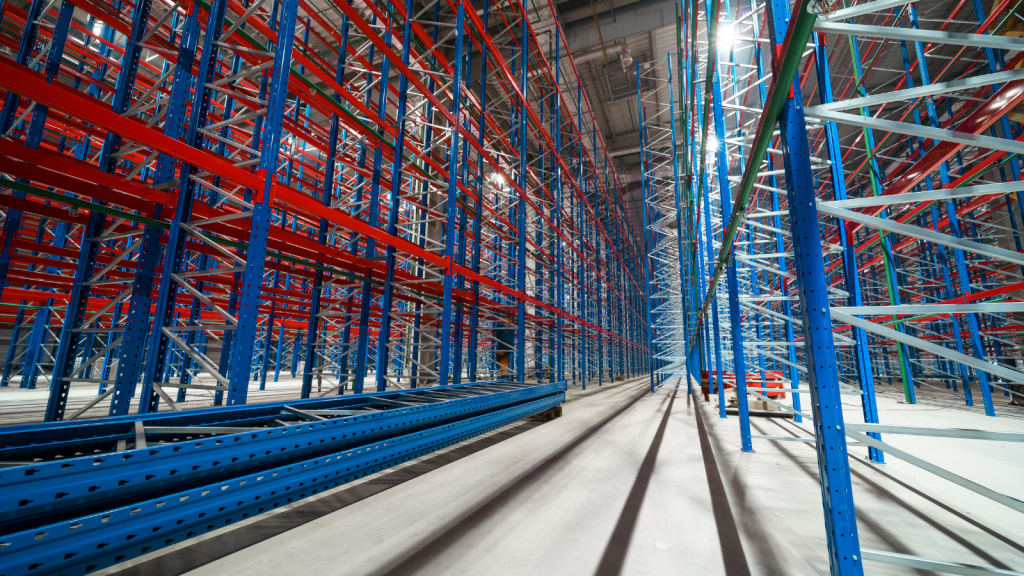
Unlike offices, warehouses are constantly evolving. New racking is installed, stock levels fluctuate, machinery moves throughout the building and operational layouts change over time. Every one of these changes affects how wireless signals travel.
Understanding how the physical environment affects your wireless network is the first step towards improving coverage, roaming and long-term reliability.
Why warehouse WiFi is different from office WiFi
Office wireless networks are generally deployed in predictable environments with relatively low ceilings, plasterboard walls and static layouts.
Warehouses are completely different.
Your wireless network has to perform around:
🔹 Steel racking
🔹 Palletised stock
🔹 Forklifts
🔹 High ceilings
🔹 Loading bays
🔹 Constant movement
🔹 Industrial machinery
🔹 Large open operational areas
A professionally designed warehouse Wi-Fi solution helps account for these environmental challenges during RF planning and deployment.
Steel racking doesn't just block signals
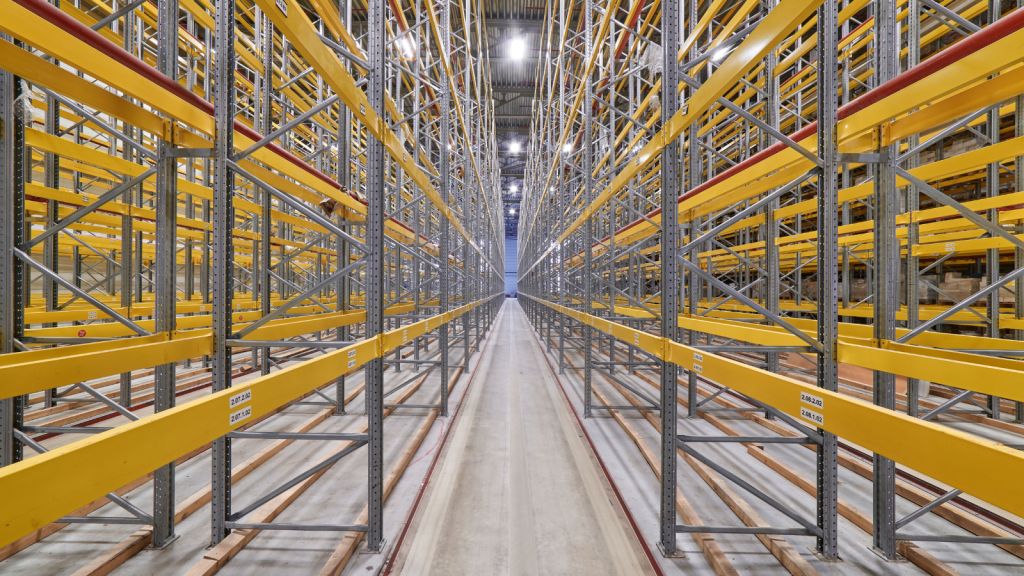
One of the biggest misconceptions is that wireless signals simply “pass through” warehouse racking.
They don’t.
Steel reflects, absorbs and redirects RF signals, often creating unpredictable coverage patterns throughout the warehouse.
This can lead to:
🔹 Weak coverage between aisles
🔹 Signal reflections
🔹 RF shadowing
🔹 Inconsistent roaming
🔹 Dead zones
Long rows of steel shelving also create directional RF behaviour that simply doesn’t exist in office environments.
As a result, access points positioned perfectly for an office often perform poorly inside a warehouse.
Stock levels can change wireless performance
Your wireless network doesn’t just have to work around the building.
It also has to work around whatever is stored inside it.
Different products interact with WiFi signals in different ways.
For example:
🔹 Liquids absorb wireless signals.
🔹 Metal products reflect RF energy.
🔹 Dense packaging weakens coverage.
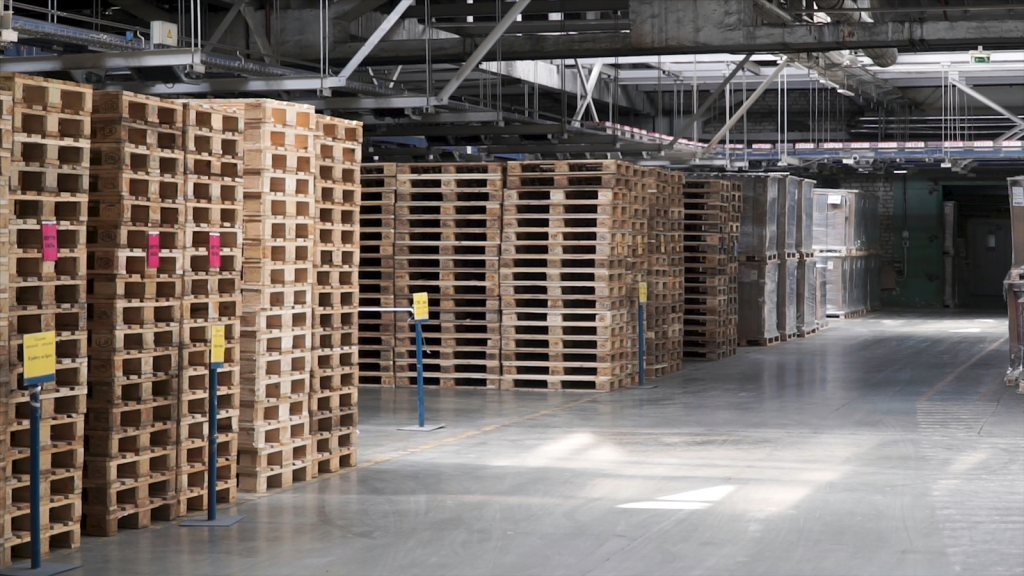
🔹 High pallet stacks block signal paths.
This explains why a warehouse can perform differently during seasonal peaks compared with quieter periods.
As storage layouts change, wireless performance changes too.
If your warehouse has changed significantly since the original installation, a professional WiFi survey can identify how those changes are affecting coverage and roaming performance.

Constant movement creates a dynamic RF environment
Unlike an office, a warehouse is constantly moving.
Every day:
🔹 Forklifts travel between aisles.
🔹 Pallets are relocated.
🔹 Stock levels increase and decrease.
🔹 Workers move throughout the building.
🔹 New storage locations are introduced.
Each of these changes influences how wireless signals propagate.
What appears to be reliable coverage during quiet periods may become inconsistent once warehouse activity increases.
This is one reason scanner disconnects often occur during the busiest parts of the day rather than first thing in the morning.

Long aisles create unique coverage challenges
Warehouse aisles don’t behave like office corridors.
Signals can:
🔹 Travel too far down an aisle.
🔹 Fail to penetrate adjacent aisles.
🔹 Weaken near aisle ends.
🔹 Create inconsistent overlap between access points.
This affects roaming performance, particularly for:
🔹 Barcode scanners
🔹 Vehicle-mounted terminals
🔹 Voice-picking devices
🔹 Rugged handheld computers
Rather than simply installing more access points, warehouse WiFi design focuses on antenna selection, directional coverage and optimal AP positioning.
Our article Why Warehouse Wi-Fi Fails in High-Racking Environments explores these challenges in more detail.

Why roaming often becomes unreliable
Warehouse workers rarely stay in one place.
Devices constantly move between wireless access points while communicating with Warehouse Management Systems (WMS), inventory applications and cloud platforms.
If wireless coverage isn’t designed correctly, devices may:
🔹 Hold onto weak signals
🔹 Disconnect during transitions
🔹 Reconnect slowly
🔹 Delay inventory updates
🔹 Interrupt picking workflows
Poor roaming is one of the most common causes of warehouse WiFi complaints.
Professional warehouse Wi-Fi solutions are specifically designed to maintain reliable roaming throughout operational areas.

Wireless interference increases over time
Warehouses become increasingly connected as operations evolve.
Additional access points, Bluetooth devices, industrial equipment and neighbouring wireless networks all contribute to increased RF interference.
Common issues include:
🔹 Co-channel interference
🔹 Adjacent channel interference
🔹 Airtime congestion
🔹 Signal reflections
🔹 Channel overlap
Simply adding more access points rarely solves these problems.
In fact, without proper RF planning it often makes them worse.

Why professional RF planning matters
Warehouse WiFi isn’t simply about achieving good signal strength.
It also requires careful planning for:
🔹 Roaming
🔹 Capacity
🔹 RF reflections
🔹 Access point placement
🔹 Operational workflows
🔹 Future warehouse expansion
Without understanding how the warehouse environment affects wireless behaviour, businesses often spend money replacing hardware that isn’t actually the root cause of the problem.
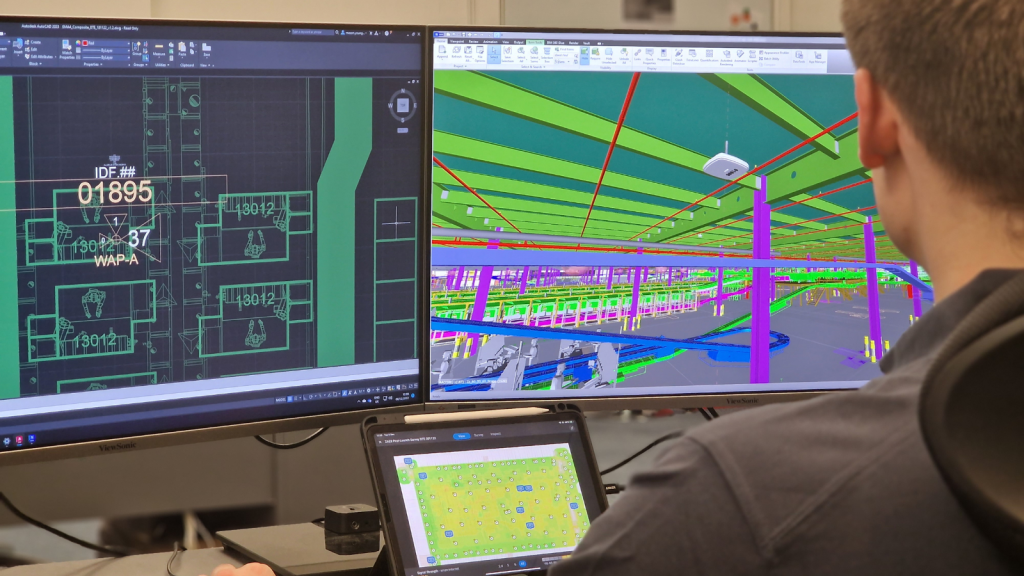
A professional WiFi survey combines heat mapping, RF analysis and roaming assessments to identify:
🔹 Coverage gaps
🔹 Dead zones
🔹 Interference
🔹 Poor roaming
🔹 Capacity limitations
🔹 Access point placement issues
This provides the information needed to decide whether the network can be optimised or whether a redesigned warehouse Wi-Fi solution will deliver better long-term performance.
Build a warehouse WiFi network that adapts with your business
Warehouse environments never stand still.
As stock levels change, layouts evolve and automation increases, your wireless network must continue delivering reliable coverage and seamless roaming throughout every operational area.
At DTE, we help businesses design, survey, install and optimise warehouse wireless networks that support modern logistics operations.
Whether you’re experiencing scanner disconnects, dead zones, poor roaming or planning a warehouse expansion, we’ll help you understand exactly how your environment is affecting wireless performance.